Interactive Features
Explore Wyvern's powerful capabilities with interactive demonstrations
 System Monitoring
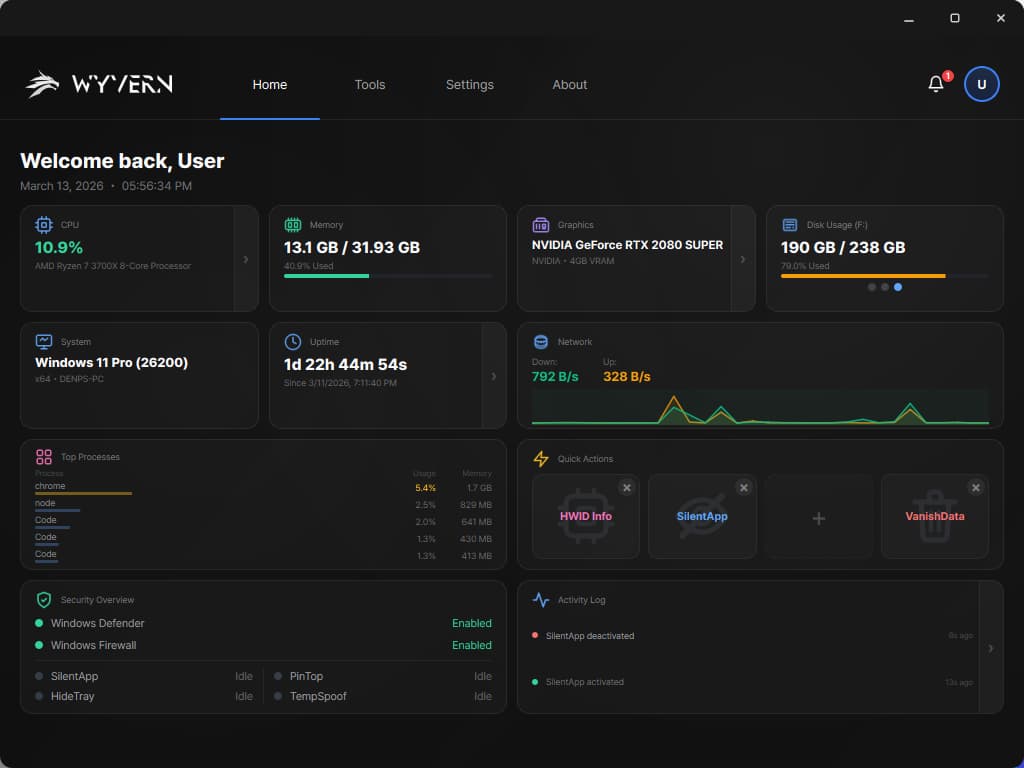
Real-Time Dashboard
Monitor your system's health at a glance with live hardware metrics, crash detection, and comprehensive diagnostics.

Hardware Monitoring
Live CPU, GPU, RAM tracking with temperature analytics and dual-ring visualizations

BSOD Detection
Automatic crash detection via minidump analysis with detailed event logging

Uptime Tracking
Real-time system uptime and shutdown history analysis
 System Optimization
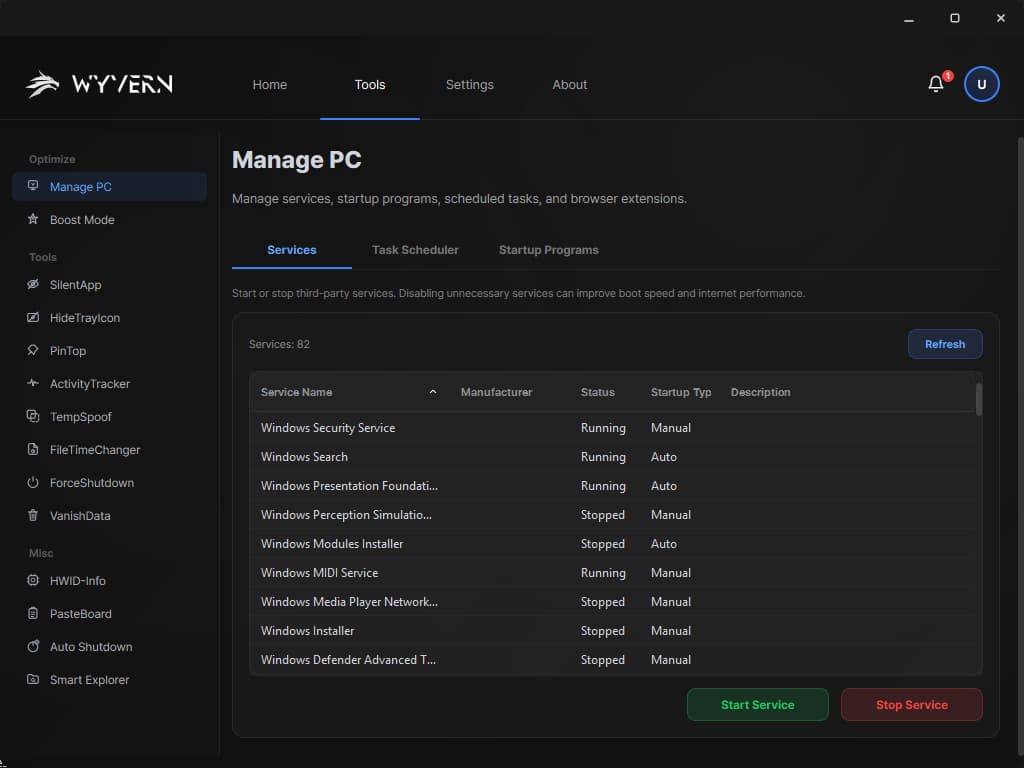
System Optimize
Comprehensive system management tools for services, startup programs, scheduled tasks, and performance optimization.
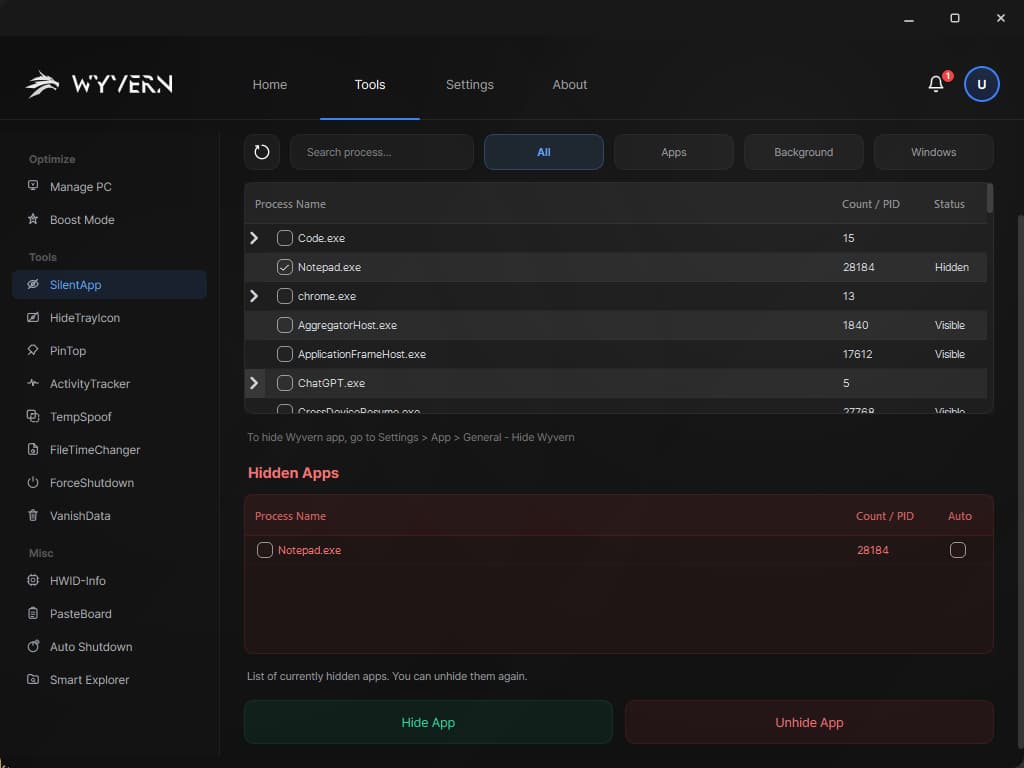
 Window Management
Privacy Tools
Advanced window and process hiding capabilities with persistent auto-hide mode for maximum privacy.
 Activity Forensics
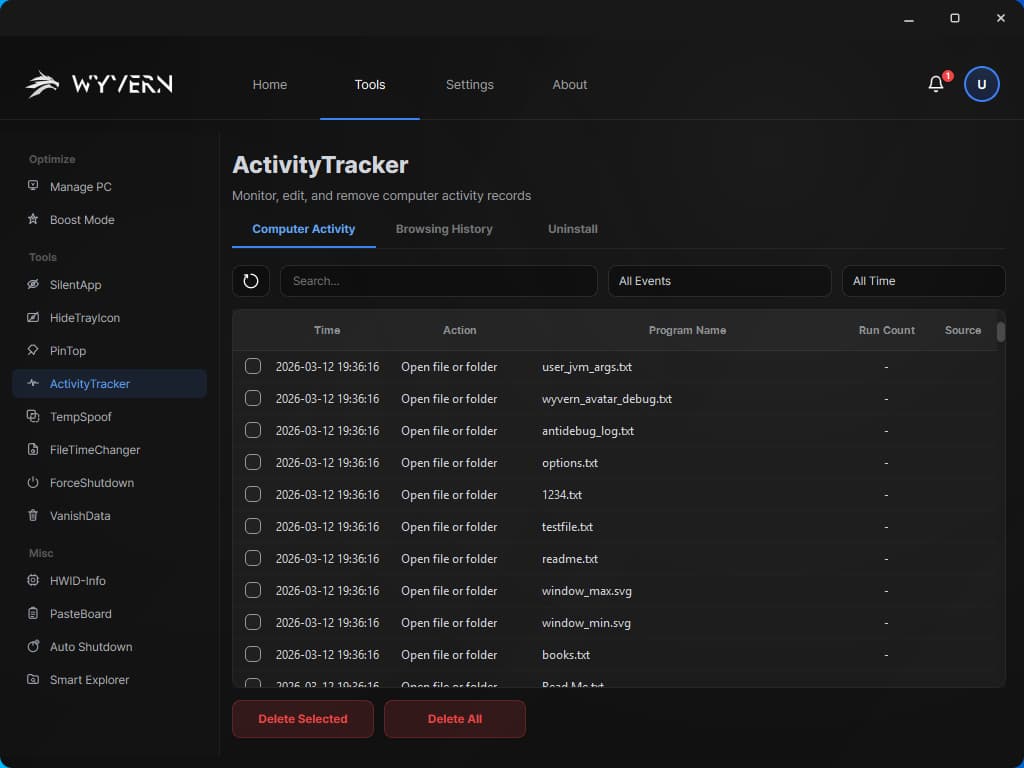
Activity Tracker
Deep system forensics tool that reveals all PC activity history from multiple Windows data sources and browsers.
 HWID Management
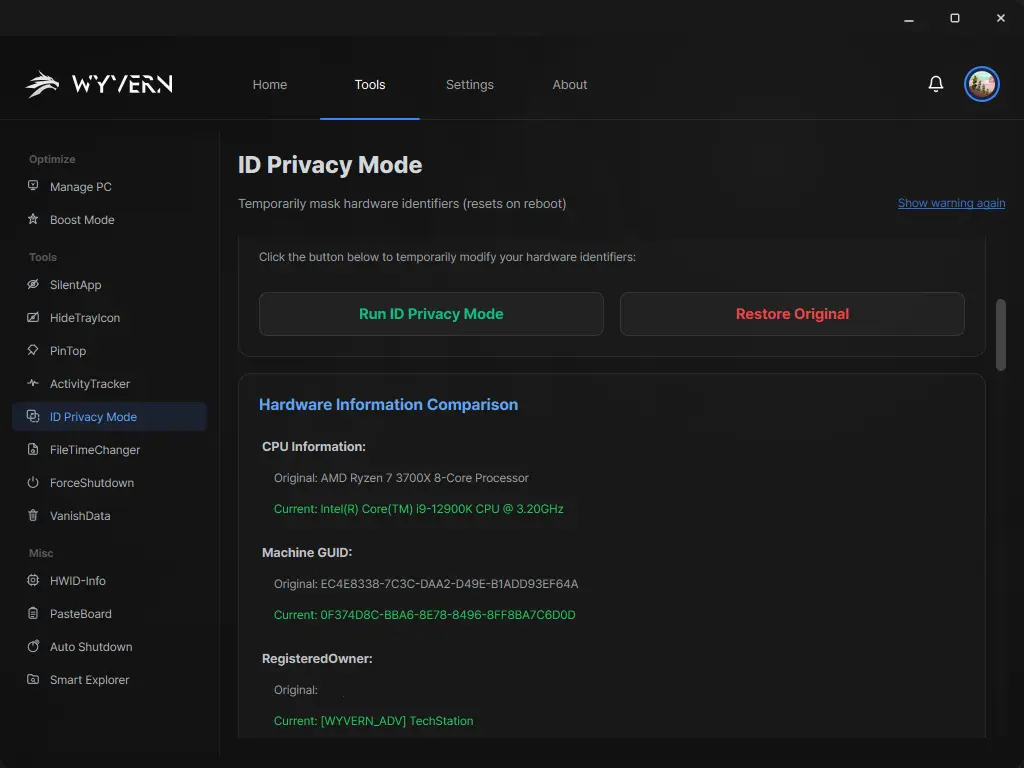
Hardware Identity Privacy Tool
View and manage hardware identity privacy settings for CPU, MAC, Volume ID, SID, and comprehensive system information.
 File Management
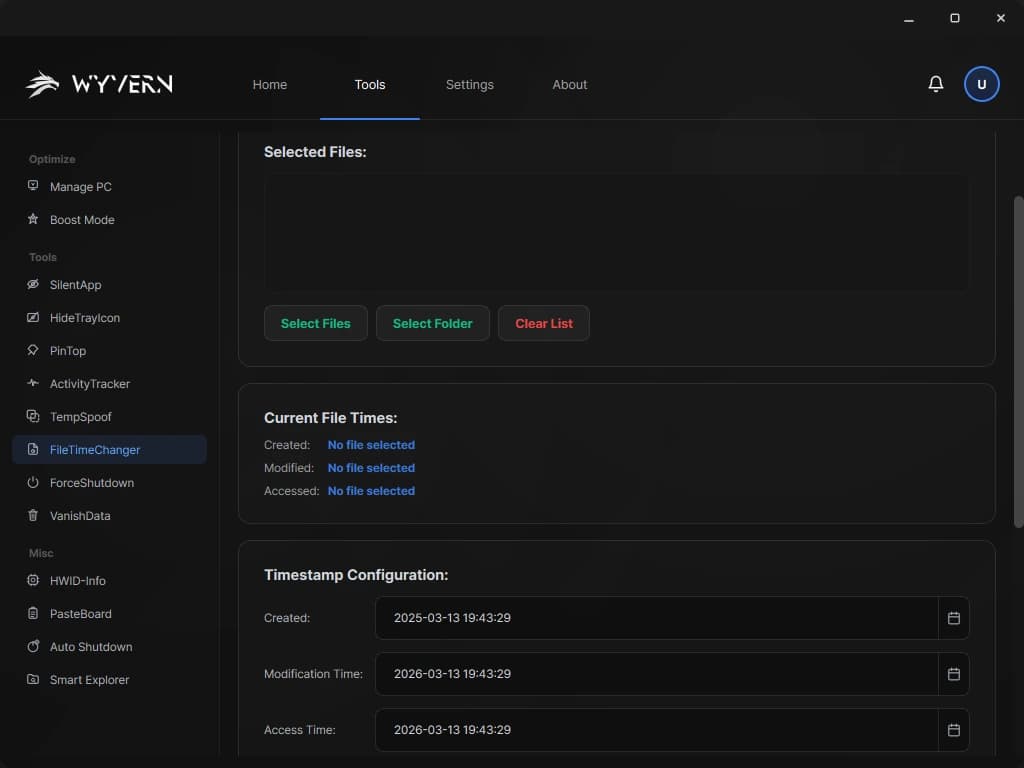
File Tools Suite
Powerful file manipulation tools for timestamp modification and advanced cross-drive file search.
 Emergency Tools
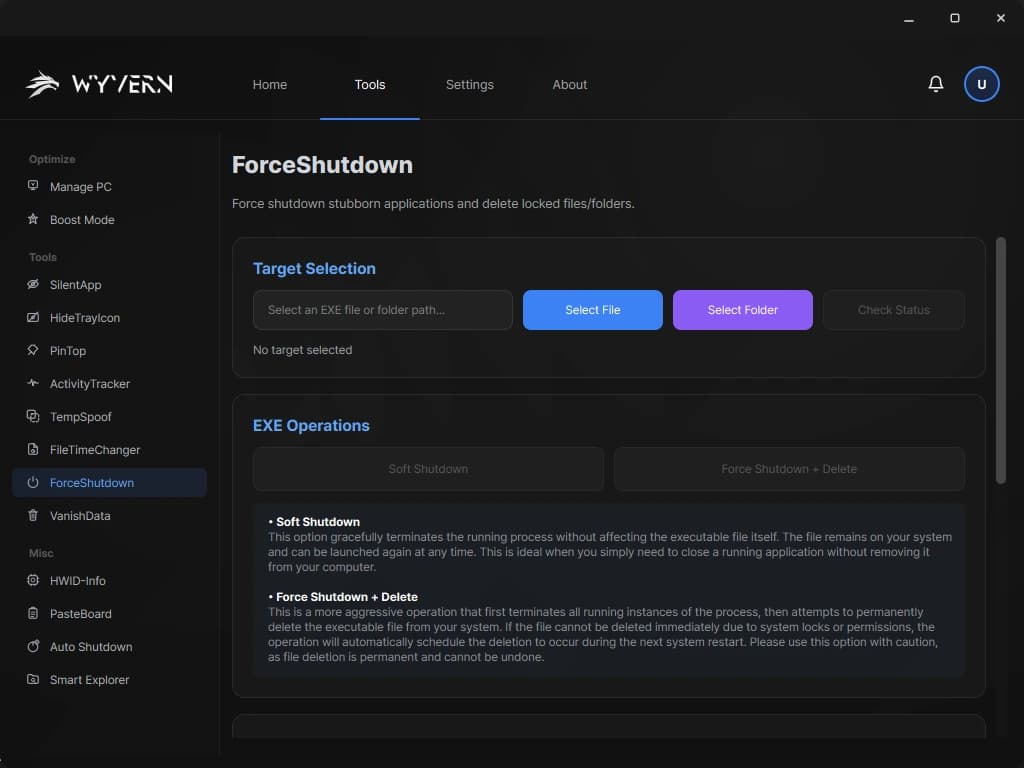
Force Shutdown
Force-terminate locked files and stubborn processes, with scheduled delete-on-reboot for persistent locks.
 Secure Wiping
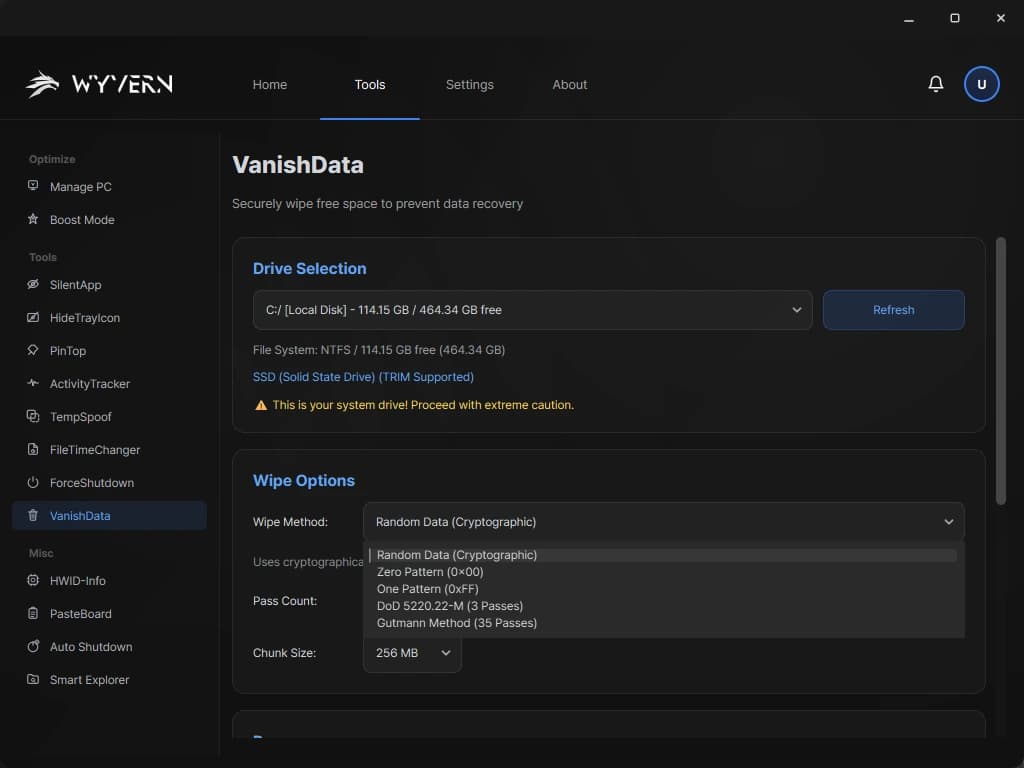
Advanced Forensics
Military-grade disk wiping tool with multiple sanitization methods for complete and unrecoverable data destruction.
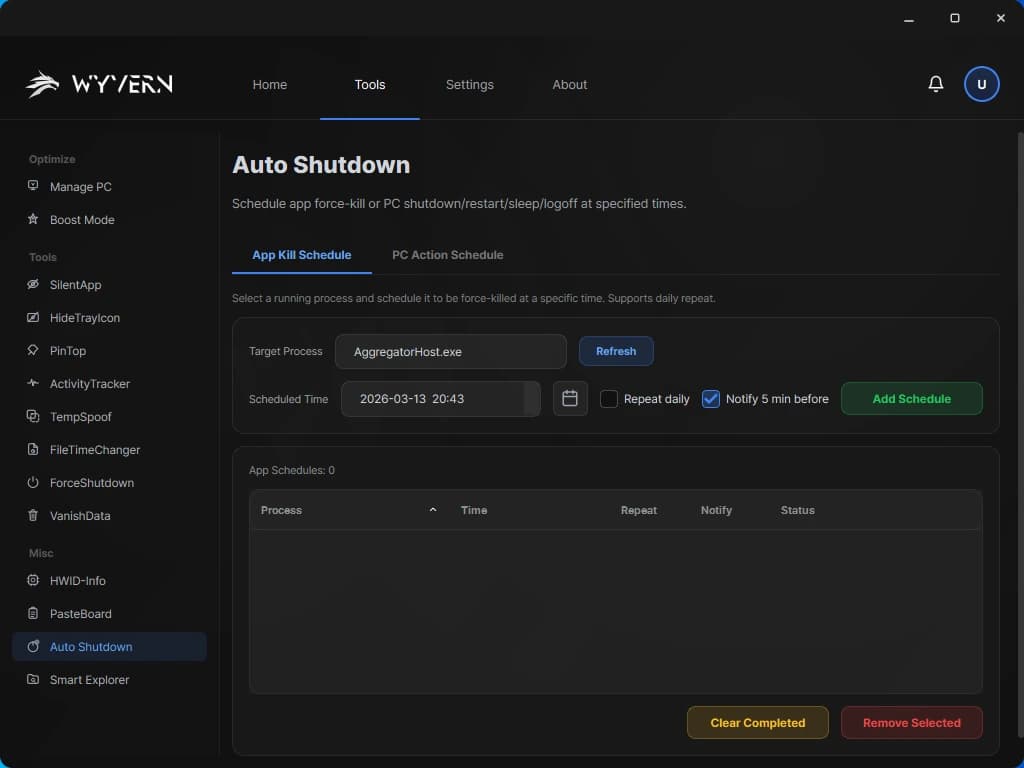
Auto Shutdown
Schedule automated app termination and PC power actions with persistent schedules and warning notifications.
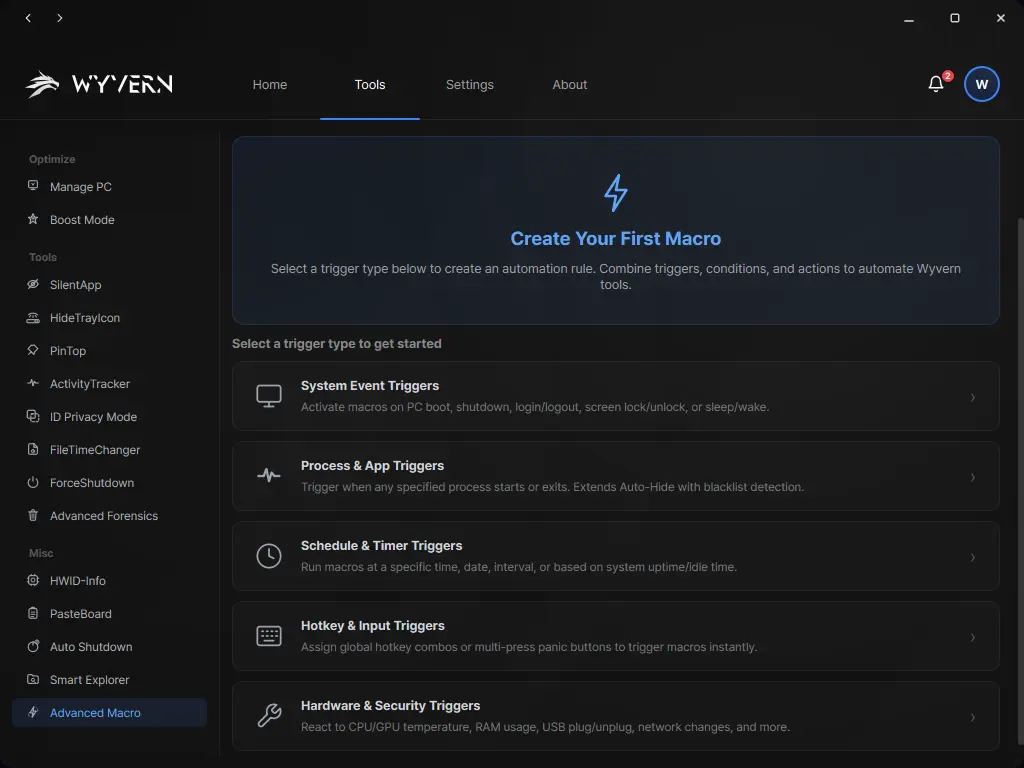
Advanced Macro
Create powerful automation rules that combine triggers, conditions, and actions. Automate Wyvern's privacy and system tools based on system events, schedules, processes, hardware state, and more.

Ready to Take Control?
Join thousands of users protecting their privacy with Wyvern. Start with our free plan or unlock all features with Plus.